Settings (⌘8) opens over the window, with categories under Work, Account and App.
General
Defaults every new run starts from: Warn about spending (off by default) and the Default budget warning $, Past runs to keep per project (zero keeps every run), Learn from runs by default and Minutes for task planning.
Auto
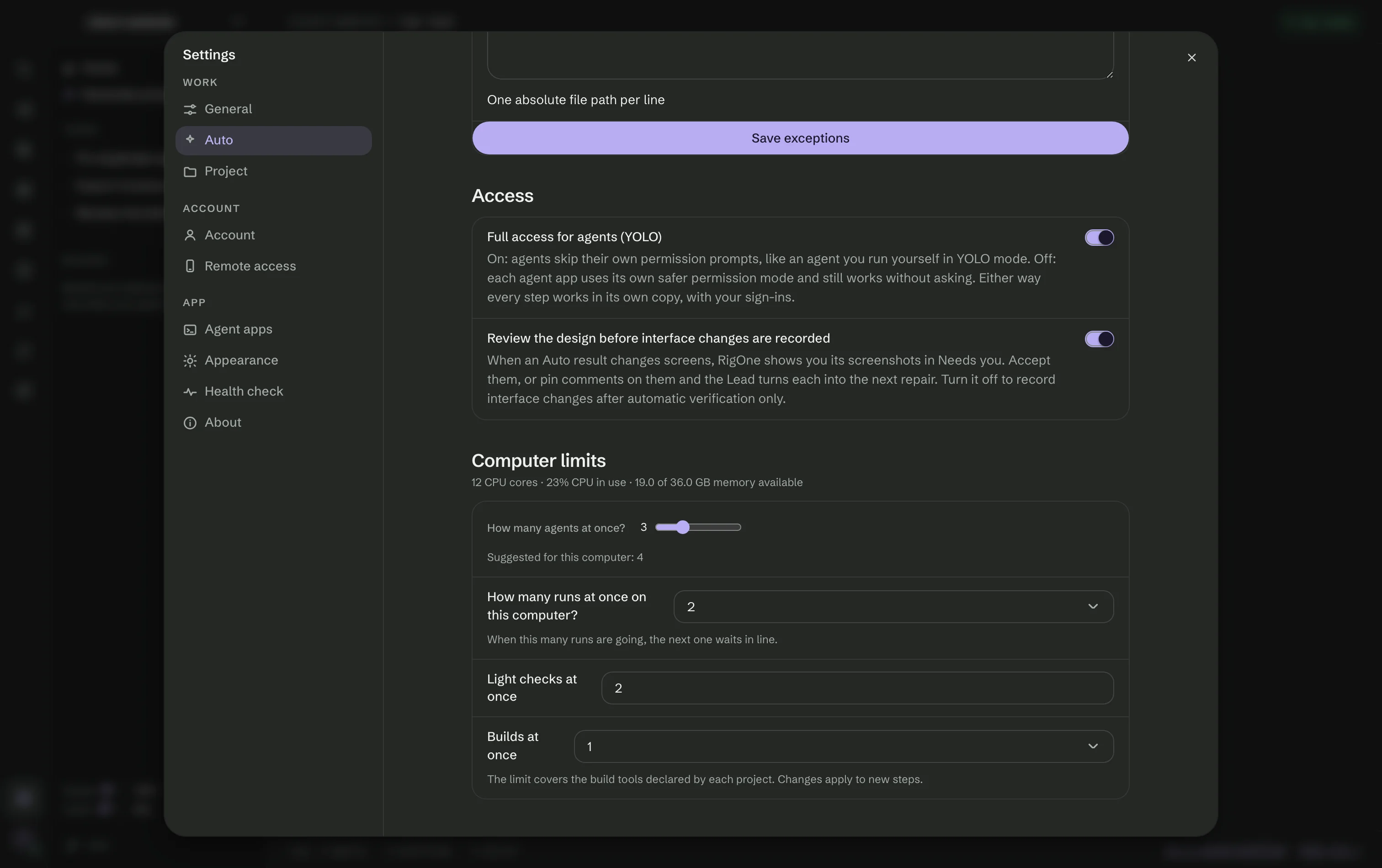
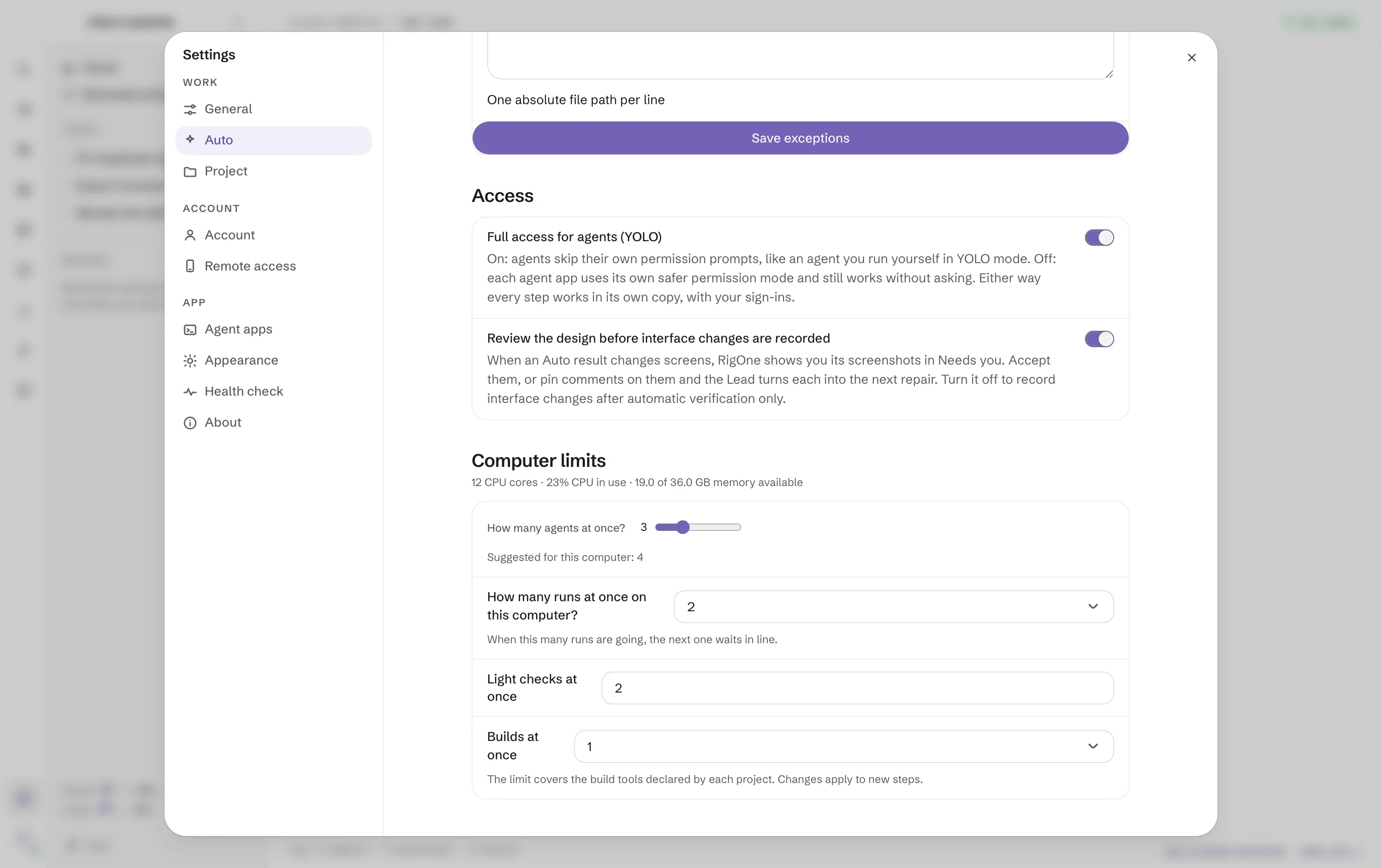
Full access (like running the agent yourself in a terminal) and Review the design before interface changes are recorded, both on by default. Computer limits shows the CPU and free memory now, sets How many agents at once? — with a suggestion for this Mac — and keeps room for other apps. Adjust limits sets the CPU limit, the memory to keep free and how long to wait for the computer to recover.
Project
How conversations start in the open folder:
- Conversations — the default agent app, model and effort for new conversations.
- Project instructions — whether steps and the Lead read
AGENTS.md,CLAUDE.mdand similar files as text, with their sources and limits. PrivateCLAUDE.local.mdfiles are left out unless you include them. - Connections — the tool servers enabled for new conversations, with Import connections.
- Model gateways — your own address for an agent to go through, in Anthropic or OpenAI shape.
The access key is kept in
~/.rig-one/env, never in the agent file.
Account
The MonoOne account that Boards and Remote access use, with two-factor sign-in. Your local work stays on this Mac either way.
Remote access
Pair a phone or tablet and choose what it may reach. See Remote access.
Agent apps
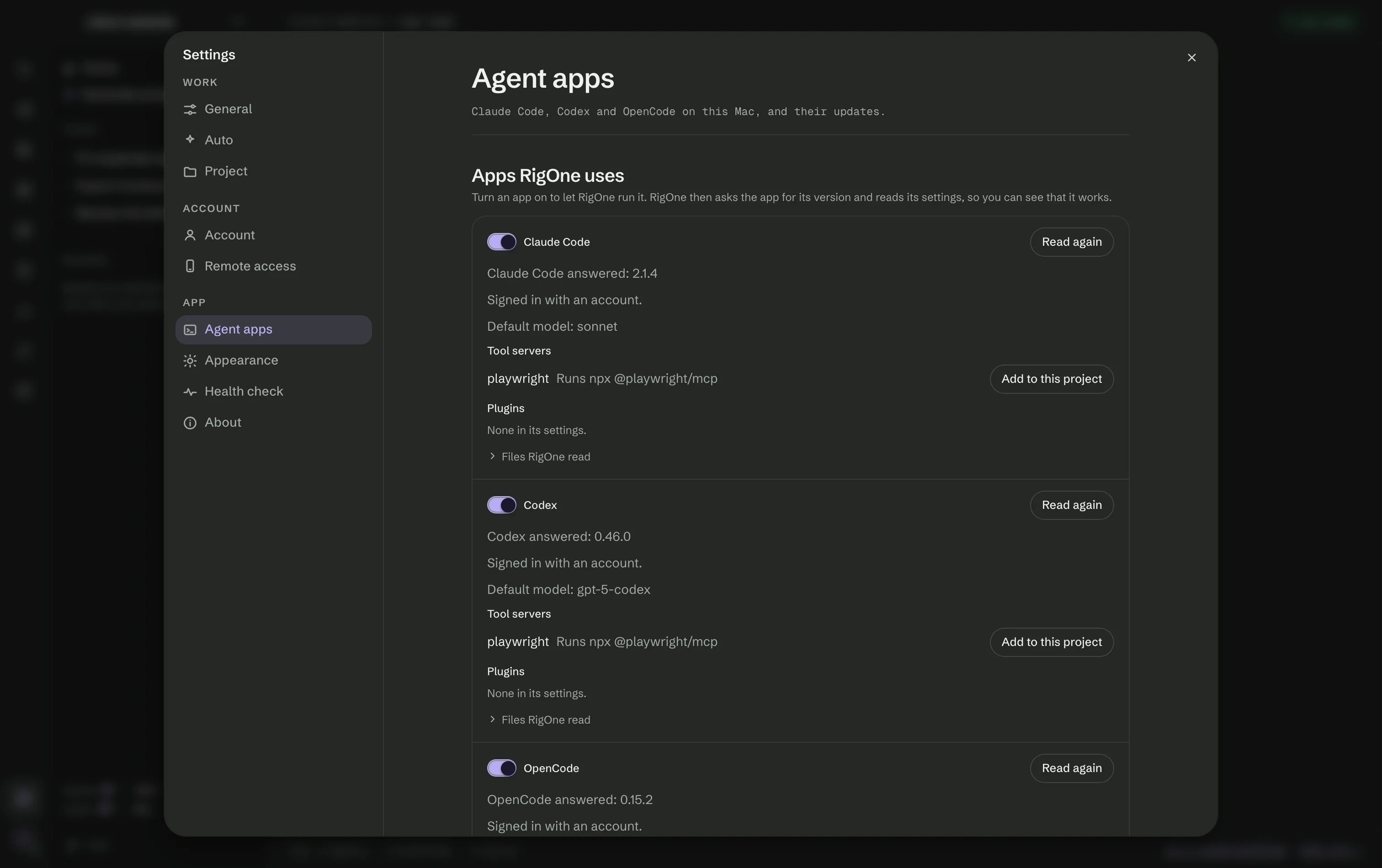
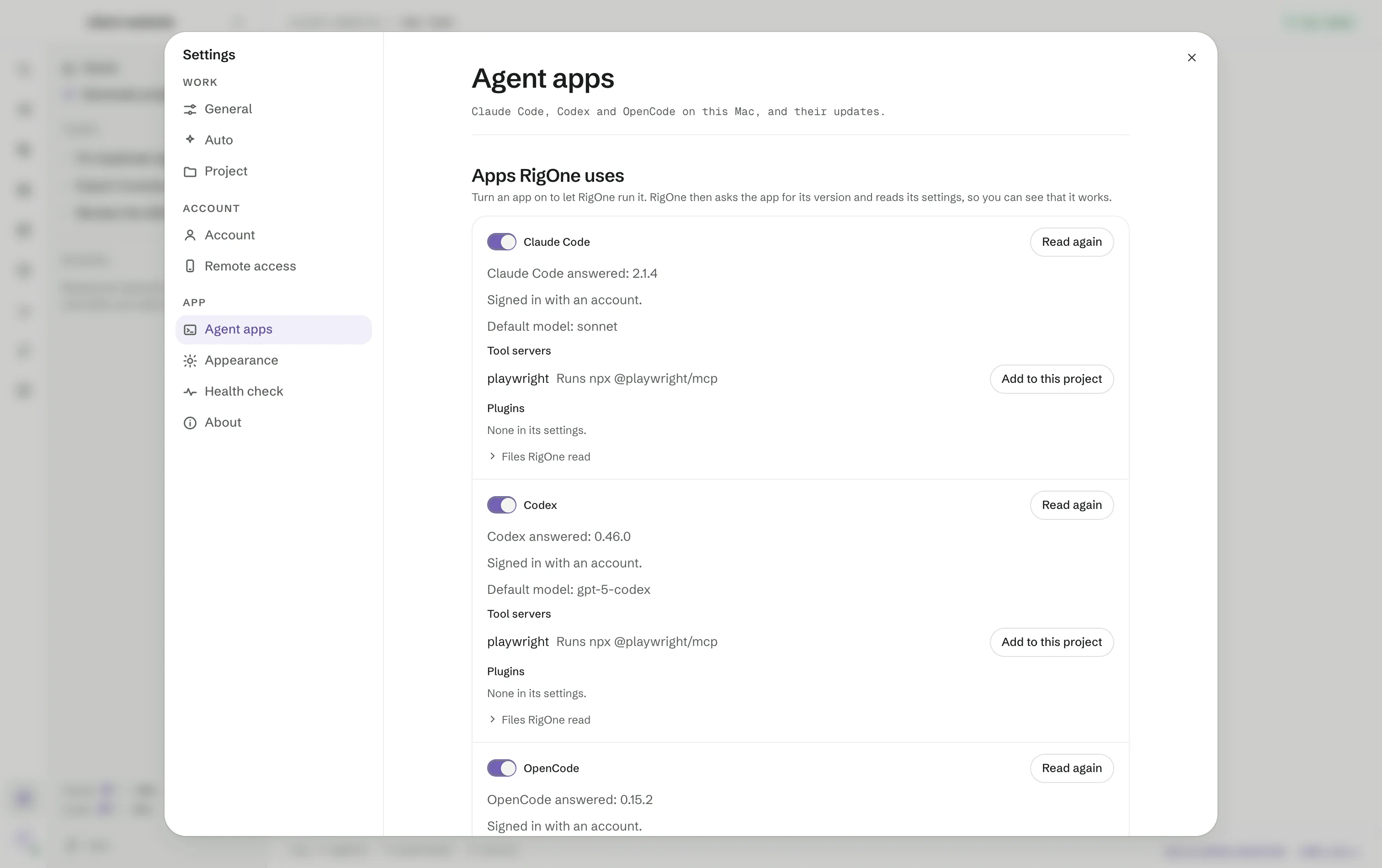
Apps RigOne uses lists Claude Code, Codex and OpenCode, each with a switch, the version it answered, how it is signed in, its default model, its tool servers — Add to this project copies one into the project — and the files RigOne read. OpenCode's settings file can be edited here.
Updates shows the installed and newest version of each app with Update and Update all. RigOne updates an app only when no run or conversation is using it, and with Update automatically when idle it looks at most every six hours.
Appearance
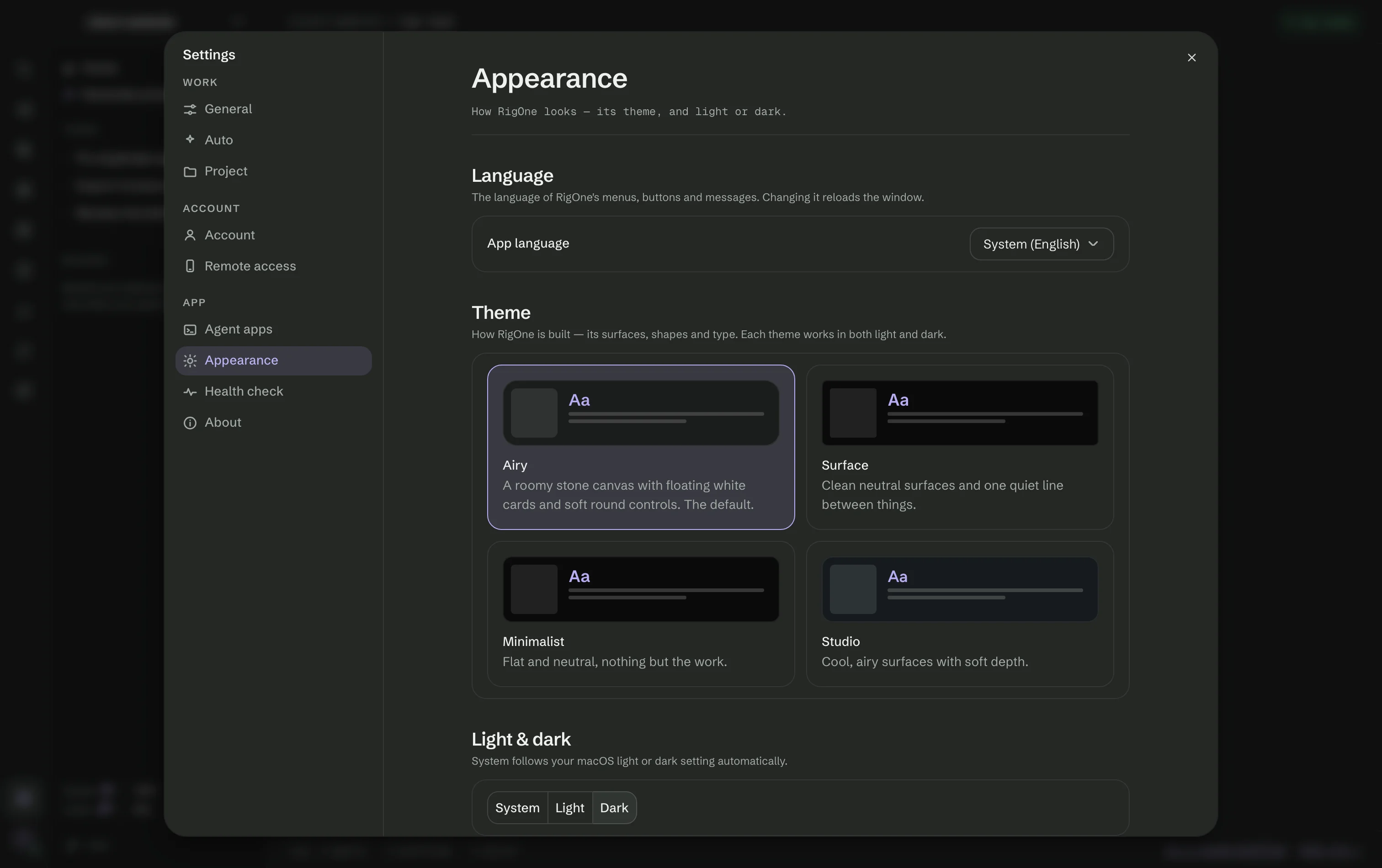
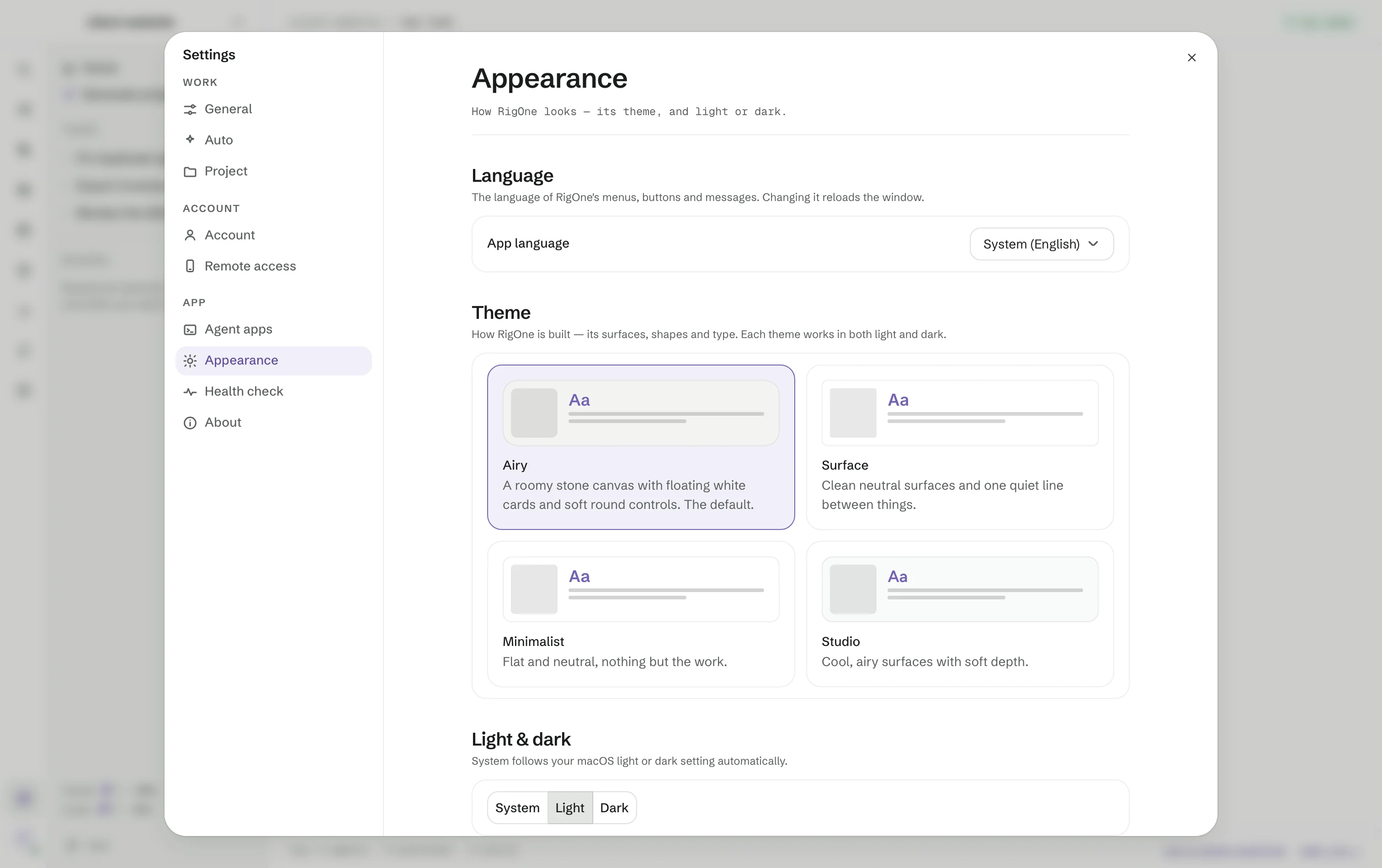
The App language; the theme — Airy (the default), Surface, Minimalist or Studio — each in System, Light or Dark; an Accent color; and the Conversation view: Terminal or Agent chat.
Health check
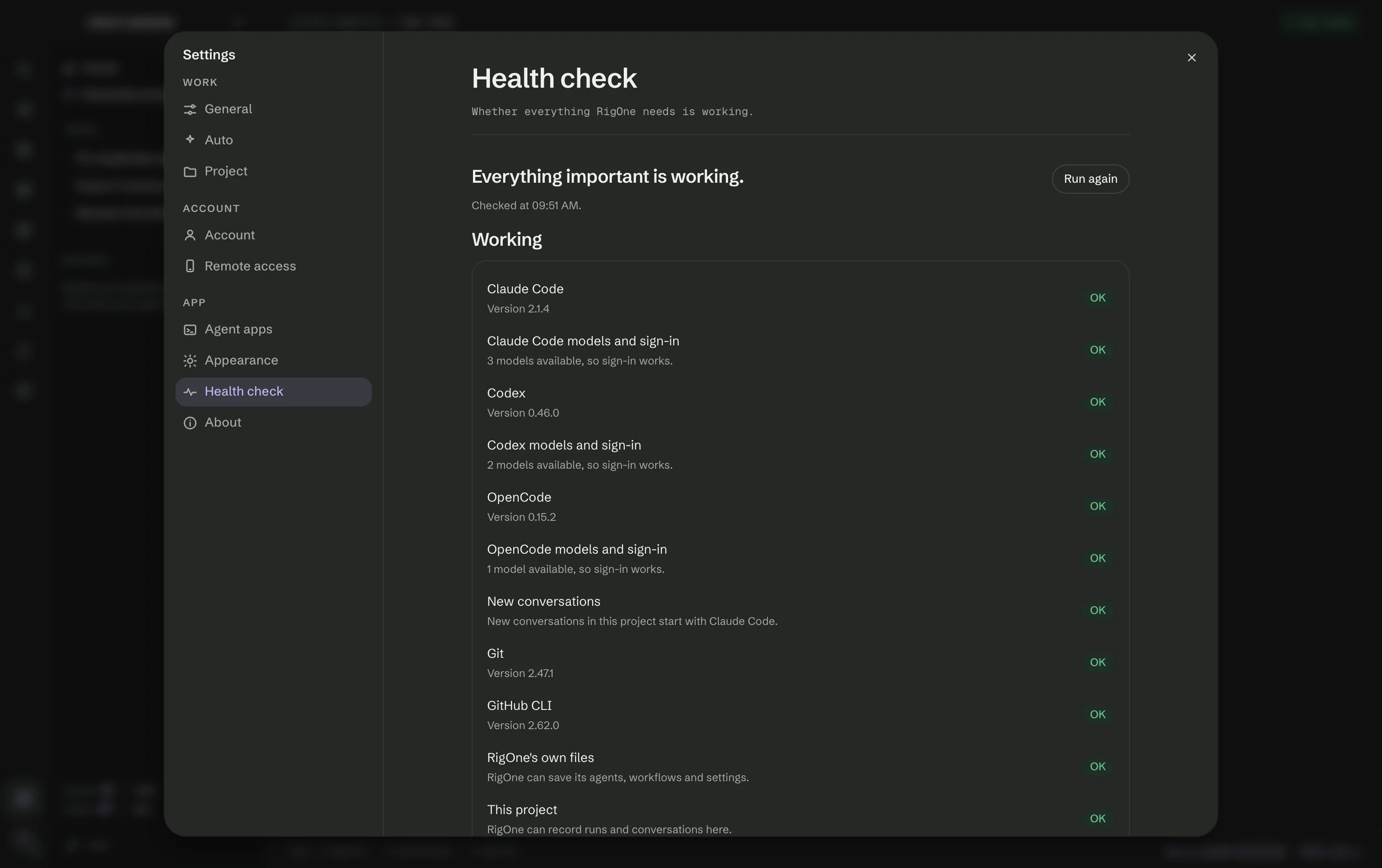
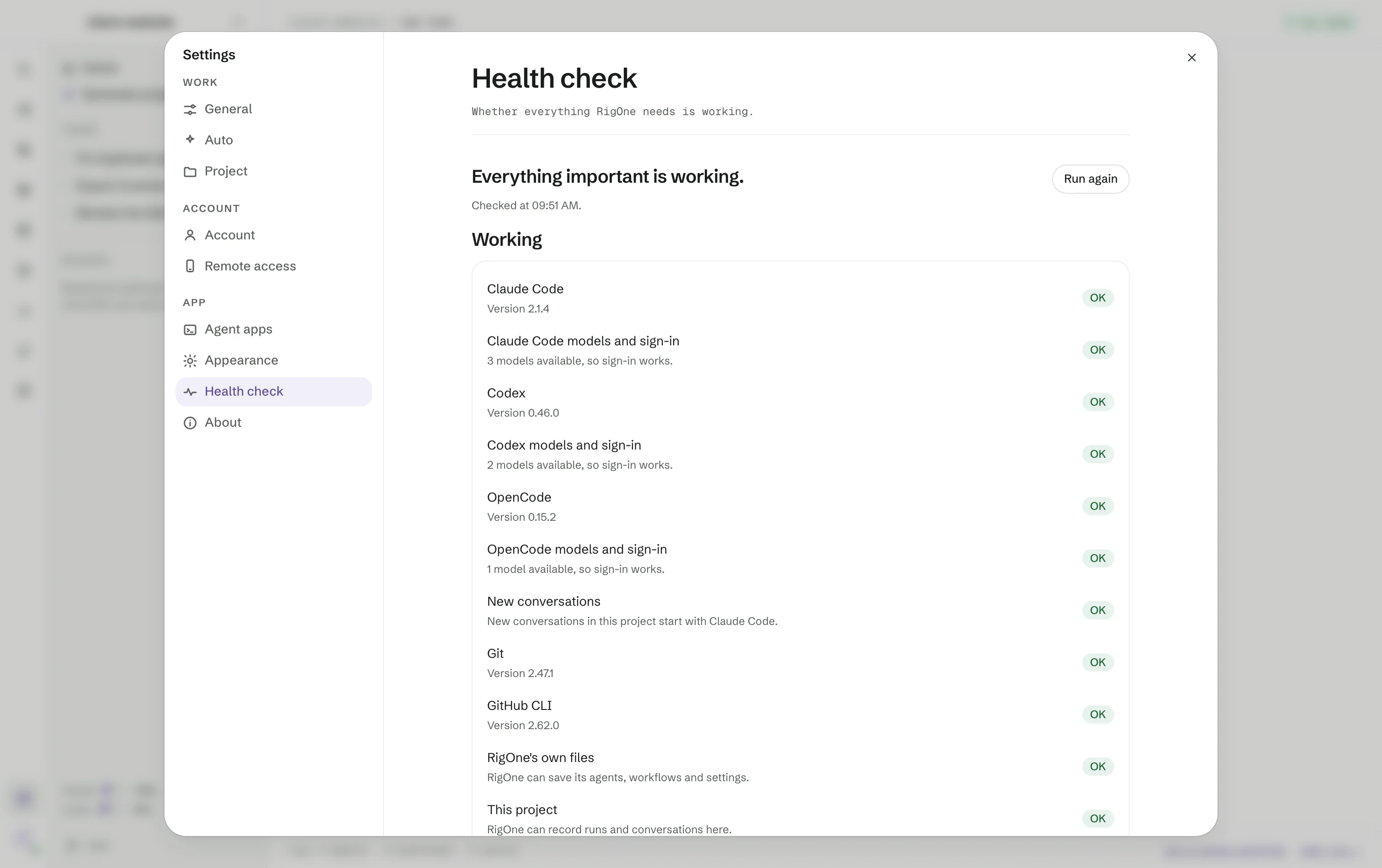
Whether everything RigOne needs is working: each agent app and its sign-in, the app new conversations start with, Git, the GitHub CLI, RigOne's own files, this project and free disk space. Each row reads OK, Attention, Problem or Optional, and a problem comes with a button to the place that fixes it. Run again checks once more.
About
Your version, Copy diagnostics for a bug report, and Usage, which shows each plan's limits as the agent apps report them.