A workflow is the thing you build on the canvas and run again. Workflows (⌘2) lists the saved ones: each with its description, steps and agents, how often it was used and how its last run ended. The first one shows its chain of steps and a filled play button.
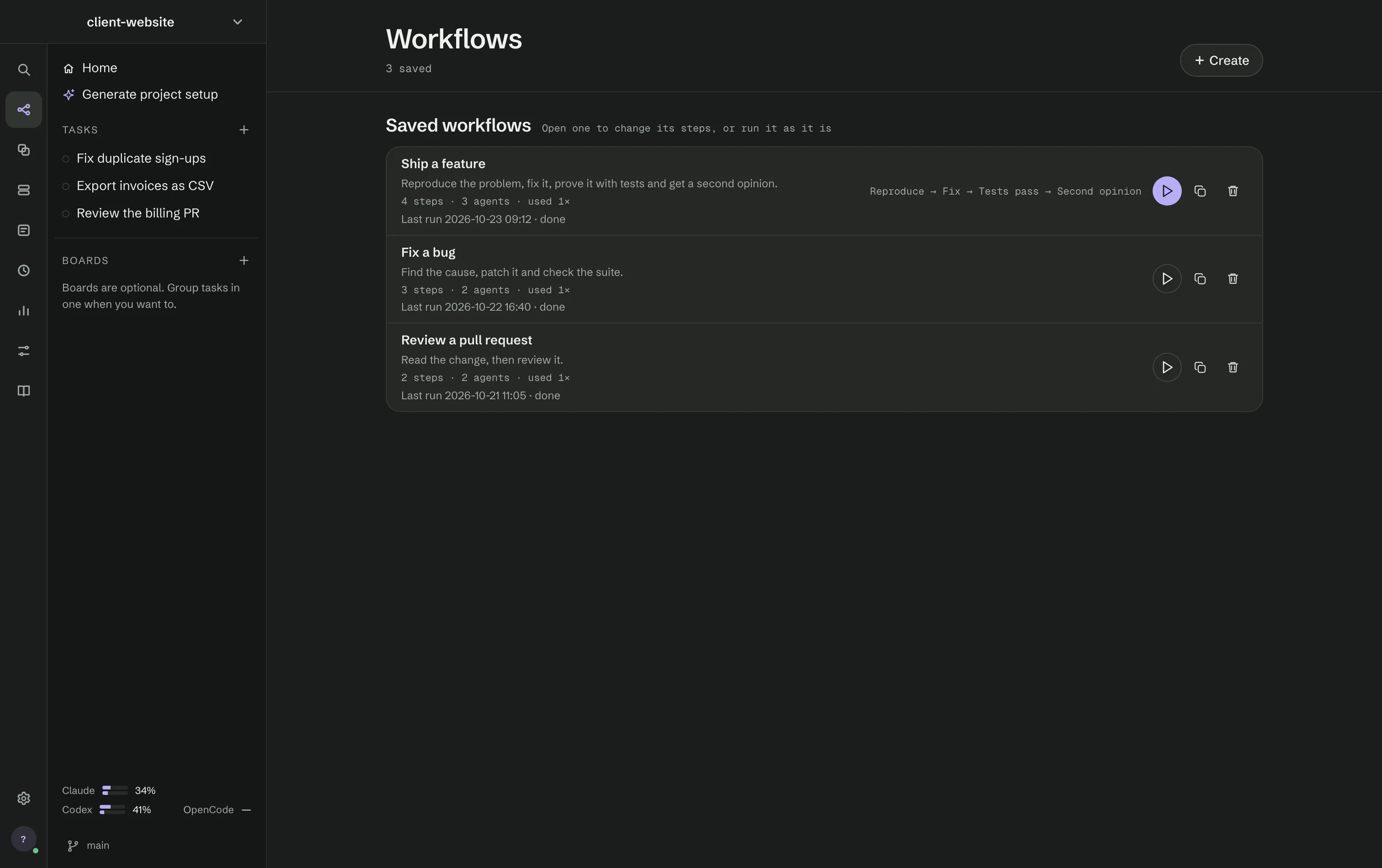
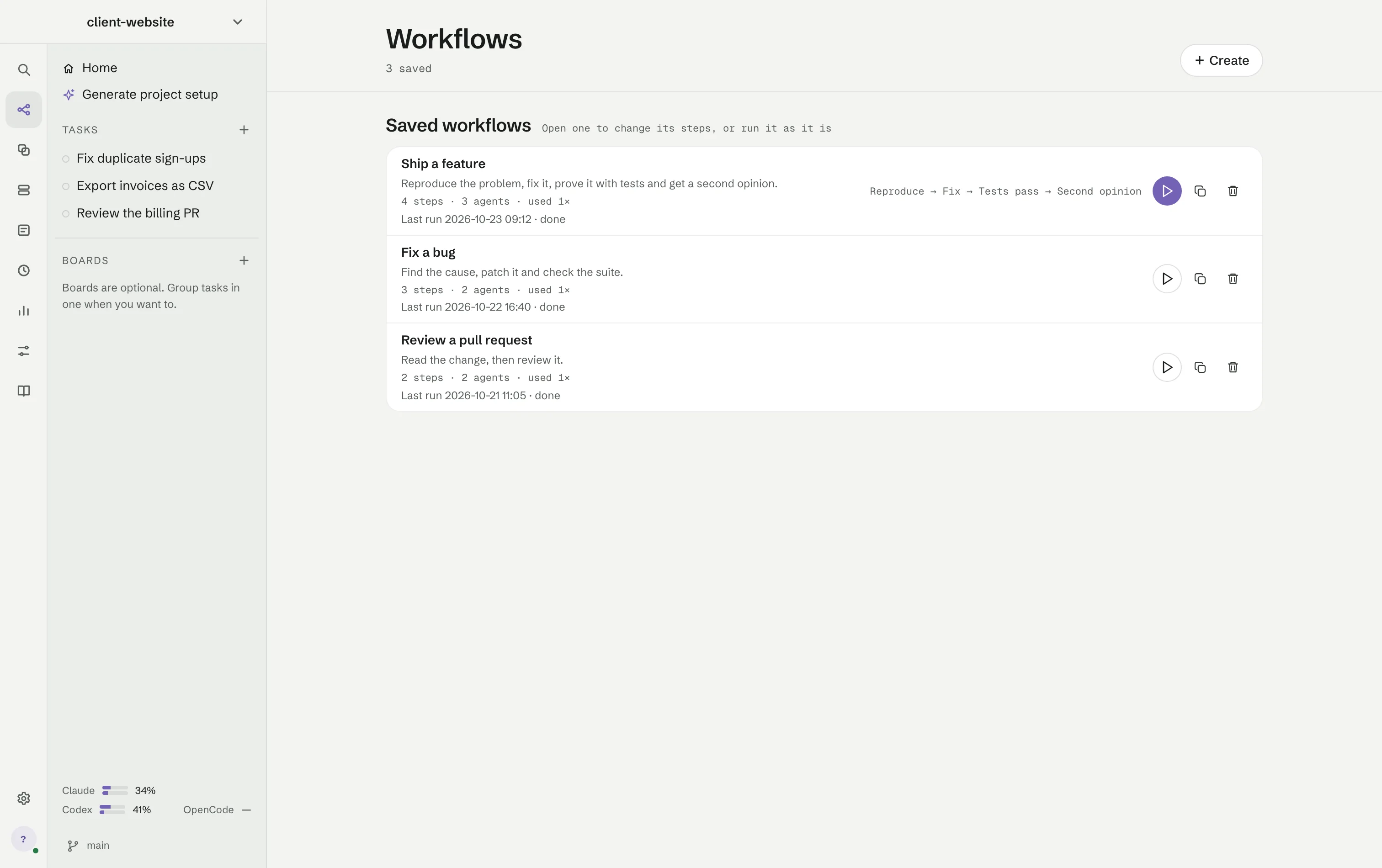
Press + Create for an empty canvas, or open a workflow to change it. The play button opens it in Tasks, ready to run; duplicate and delete sit beside it. A workflow Auto will not use as a template says why, by step name, with a button that fixes it where that is possible.
The canvas
Steps are tiles joined by arrows. + Add offers:
- A step an agent does — an agent does a piece of the work.
- A step that leaves a command running — starts an app or a server and waits until it answers, so later steps can test it.
- A step that runs a check — RigOne runs a command and records what it found.
- A step that asks you — the run stops and waits for your answer.
- A way back, to try again — a loop from a check back to the step that fixes, with a limit.
Rearrange every step tidies the canvas. The header shows whether the workflow is saved, a badge with the number of things to fix — each with a button that fixes it — Evaluate workflow and Run, which stays off while a problem exists.
A step can run several copies of itself when you want more than one take. A step with several arrows coming in reads every handoff it receives, so "combine what the four researchers found" is an ordinary step with four arrows in.
The step panel
Pick a tile to set it up on the right. An agent step has Who does this, a Name and What to do, plus Context and Plan. Its more settings cover the model, Where it works — the project folder, a new copy of the files, or the same files as the step before — how many copies, file access, timeout, what happens if it does not pass, whether it takes the heavy seat, project instructions, what it hands over, what it must confirm and which skills it may use. A setting changed for this step shows a dot and Reset; the agent itself stays as it is.
A check step has the Command to run, the output that counts as passed, the tests it must confirm and Heavy work for checks that build a lot. Files in fresh copies above the canvas sets which files a fresh copy brings along.
Order and parallel branches
Order comes from the arrows. Two steps that wait for the same step start together, because the engine really does start them together. Loops, conditional paths and retries are part of the graph, not the engine.
Steps can also create, update or read one shared, versioned plan. Implementation and review then work to the same recorded acceptance contract. In a Rust project, a step copy brings along — read only — the sibling repositories the project reaches through a Cargo path dependency, so it builds as the project does.