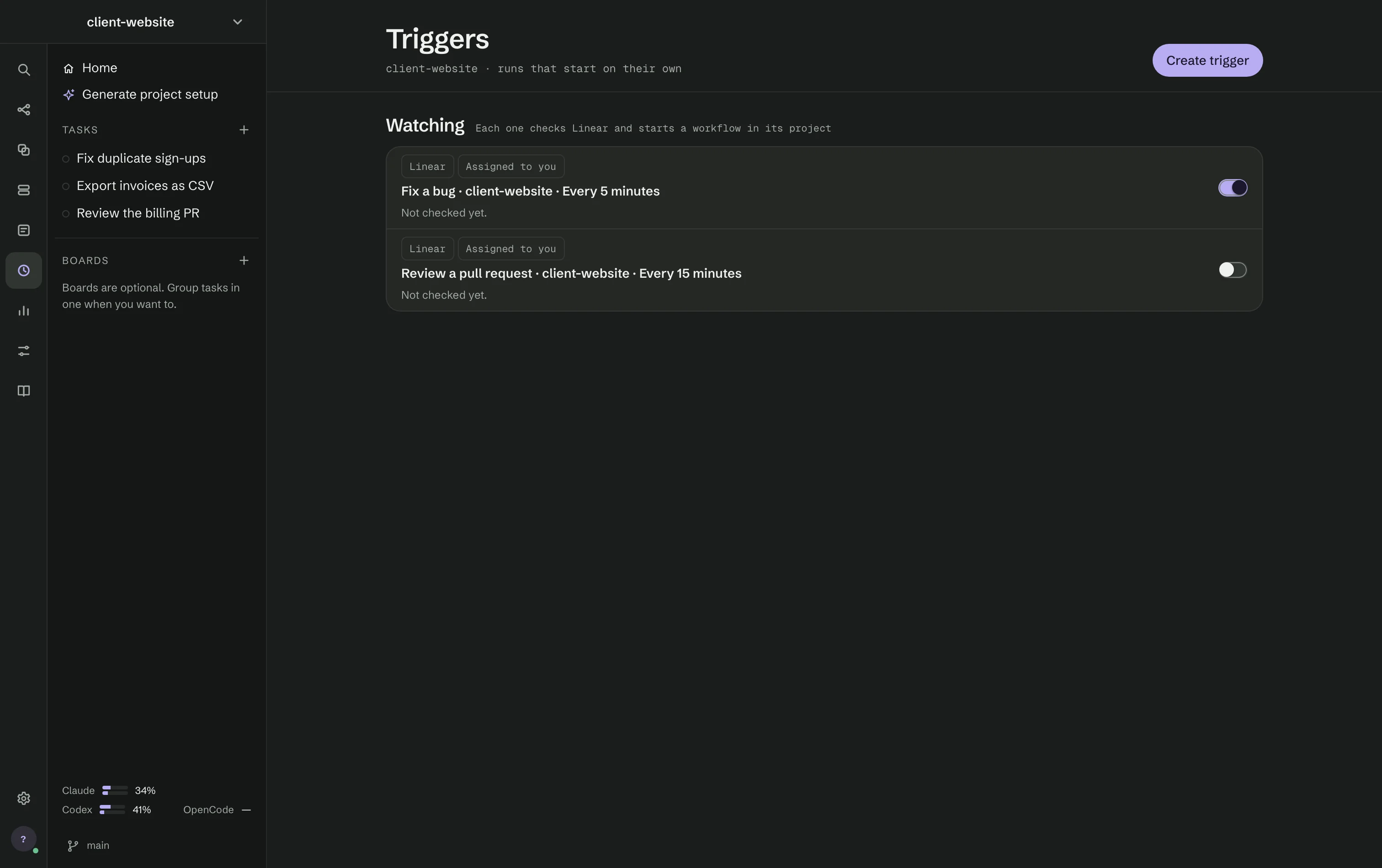
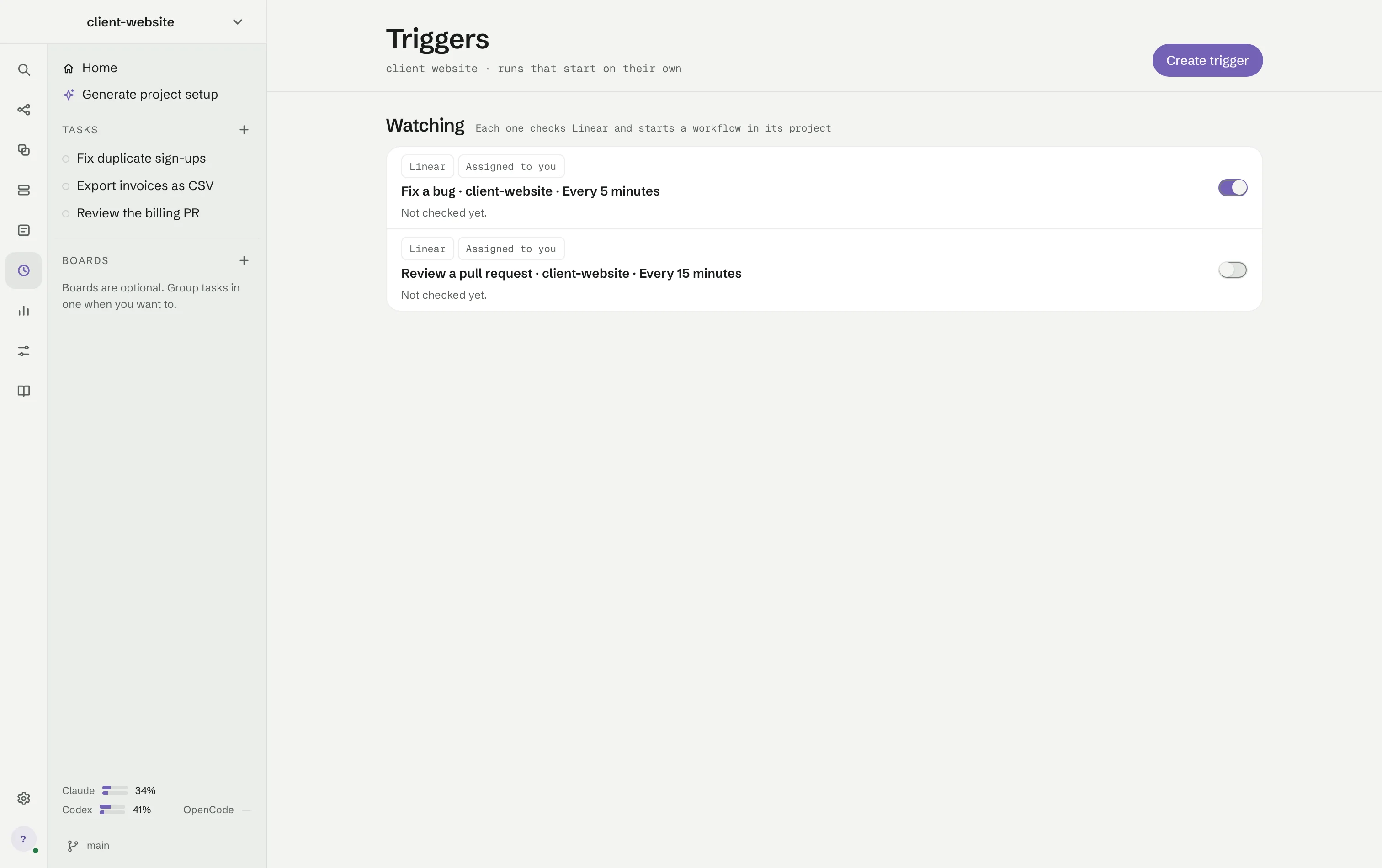
Triggers (⌘4) start a workflow without you pressing Run. Today the supported source is Linear: an issue newly assigned to you starts one run.
Press Create trigger and set:
- Environment variable name — the variable that holds your Linear key; put the key there before testing or saving. Test connection checks it without starting anything.
- Workspace — runs from this trigger always use this folder, even while another one is open.
- Check every — 1, 5, 15 or 60 minutes.
- Workflow — what runs.
Each trigger in Watching shows what it last did and a switch to turn it on or off.
- The first check only arms the trigger; issues already in your backlog do not start runs.
- One issue starts one run, even across a restart. Editing an issue does not start a second one.
- Deleting a trigger asks first and discards any issue waiting to start.
Triggers run while RigOne is open; there is no background daemon.