The RigOne window has three columns: a narrow rail of icons on the far left, a side panel with your tasks and boards, and the screen you opened.
The rail
The rail holds every place, top to bottom. Each icon names its place when you point at it.
| Icon | Place | Shortcut | What it is for |
|---|---|---|---|
| Magnifier | Search | ⌘K | Jump to any place, workflow or agent |
| Three joined dots | Workflows | ⌘2, G W | Steps in a row, on a canvas |
| Two squares | Agents | ⌘1, G A | The roles that do the work |
| Two stacked bars | Knowledge | ⌘5, G K | Notes and skills that go into prompts |
| Page | Context | ⌘6, G C | Material prepared for steps |
| Clock | Triggers | ⌘4, G T | Runs that start on their own |
| Bar chart | Lab | ⌘7, G L | Test agents on your own cases |
| Sliders | Project rig | G P | The whole project on one page |
| Book | Skills | — | The skills the project's files give its agents |
| Phone | Remote access | — | Shown only while Remote access is on |
| Gear | Settings | ⌘8, G S | What RigOne does by default |
| Initials | Account | — | Agent apps, plans, gateways, GitHub account |
Tasks (⌘3, G R) and Boards (⌘9, G B) open from the side panel.
The side panel
- The project menu at the top lists your workspaces. It also holds Import setup from project and Add a workspace.
- Tasks lists the tasks of this window, each with a dot for its state — working, waiting for you, finished — and how long it has run. + (⌘N) starts a new task. A task's menu renames or closes it. Your tasks come back, in the same order and with the names you gave them, after you quit and reopen RigOne.
- Boards lists your boards with the number of open tasks; + creates one. Boards are optional.
- Plan limits at the bottom show how much of the Claude and Codex plans is used, as each agent app reports it.
The account menu
The initials at the bottom of the rail open Account and agent apps:
- Agent apps — Claude Code and Codex with their versions, or what is missing, with Retry.
- Plans — how much of each plan is used.
- Model gateways — the gateways you added in Settings.
- Models on this Mac — the local models Ollama offers, if it runs.
- Connections — the tool servers turned on in this project.
- GitHub account for this folder — which GitHub login commits and pull requests go out as.
Search and keyboard shortcuts
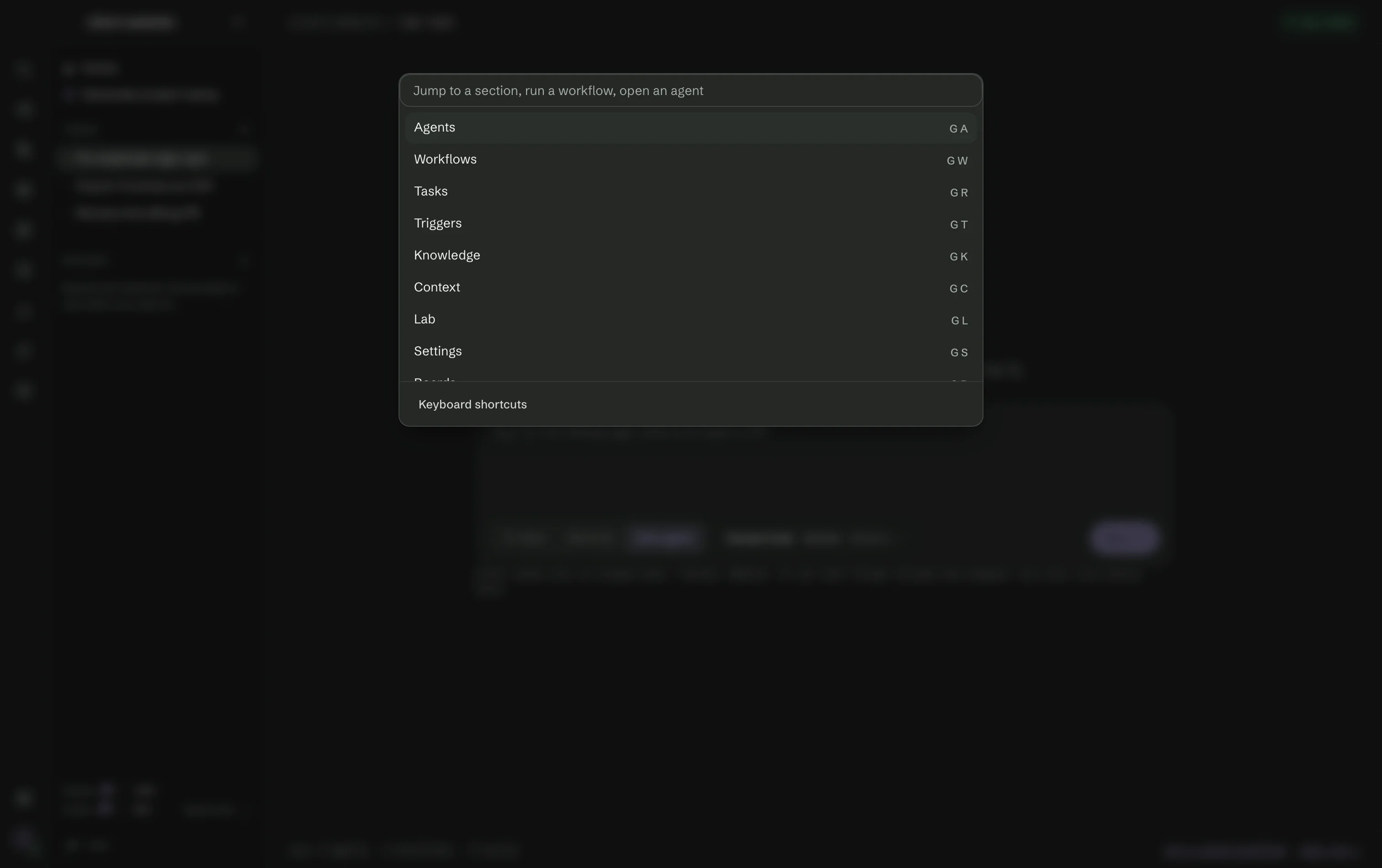
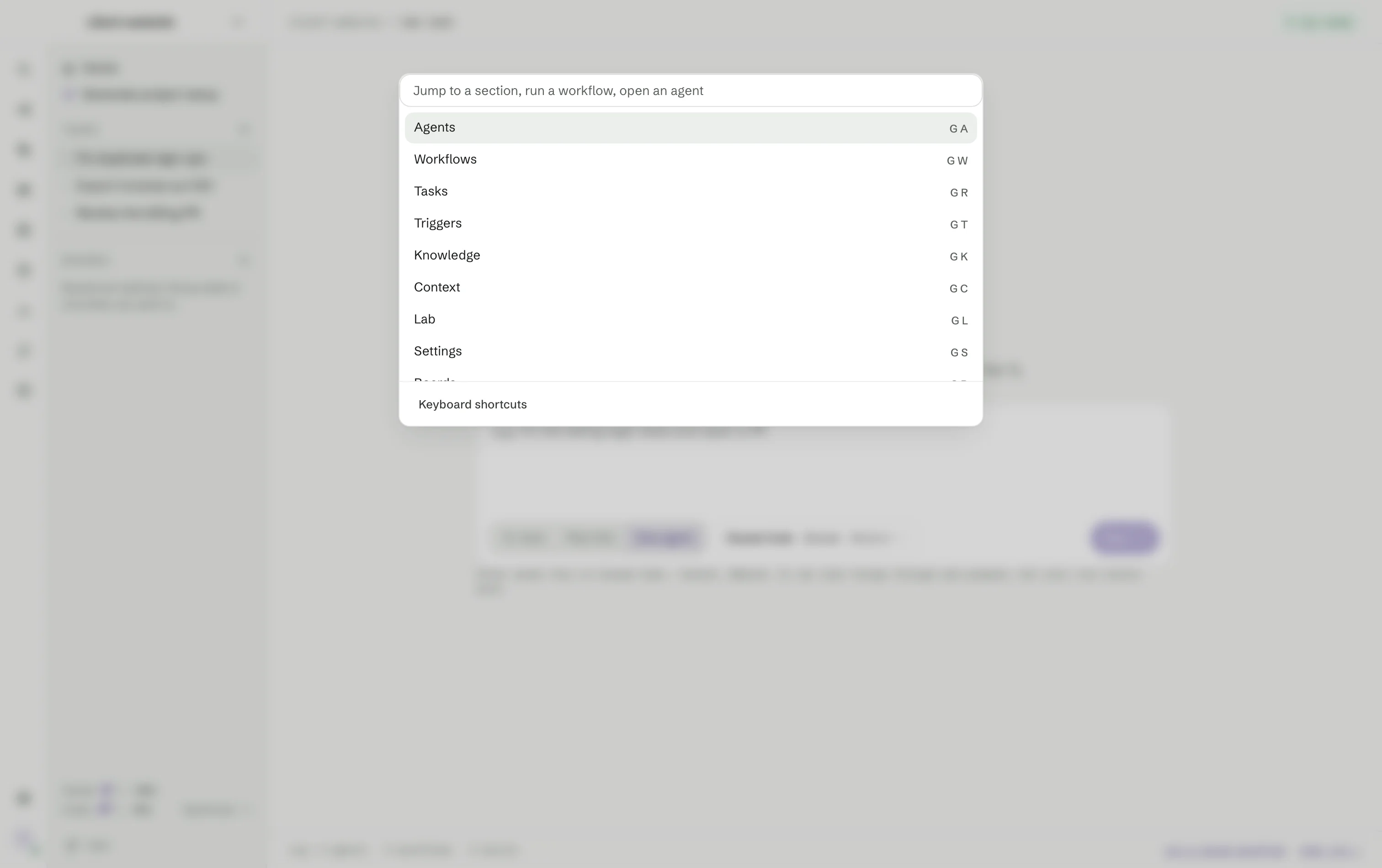
Search (⌘K) opens Go to anything: type part of a name to jump to a section, start a new Claude Code, Codex or OpenCode conversation, break a goal into tasks, copy diagnostics, open a saved workflow or an agent. Press ? or Keyboard shortcuts for the full list.
| Keys | Does |
|---|---|
| ⌘K | Open Go to anything |
| ⌘N | Start a new task |
| ⌘1 … ⌘9 | Agents, Workflows, Tasks, Triggers, Knowledge, Context, Lab, Settings, Boards |
| G, then a letter | Go to a place: A, W, R (Tasks), T, K, C, L, S, B, P (Project rig) |
| ? | Show the shortcuts |
| Esc | Close |