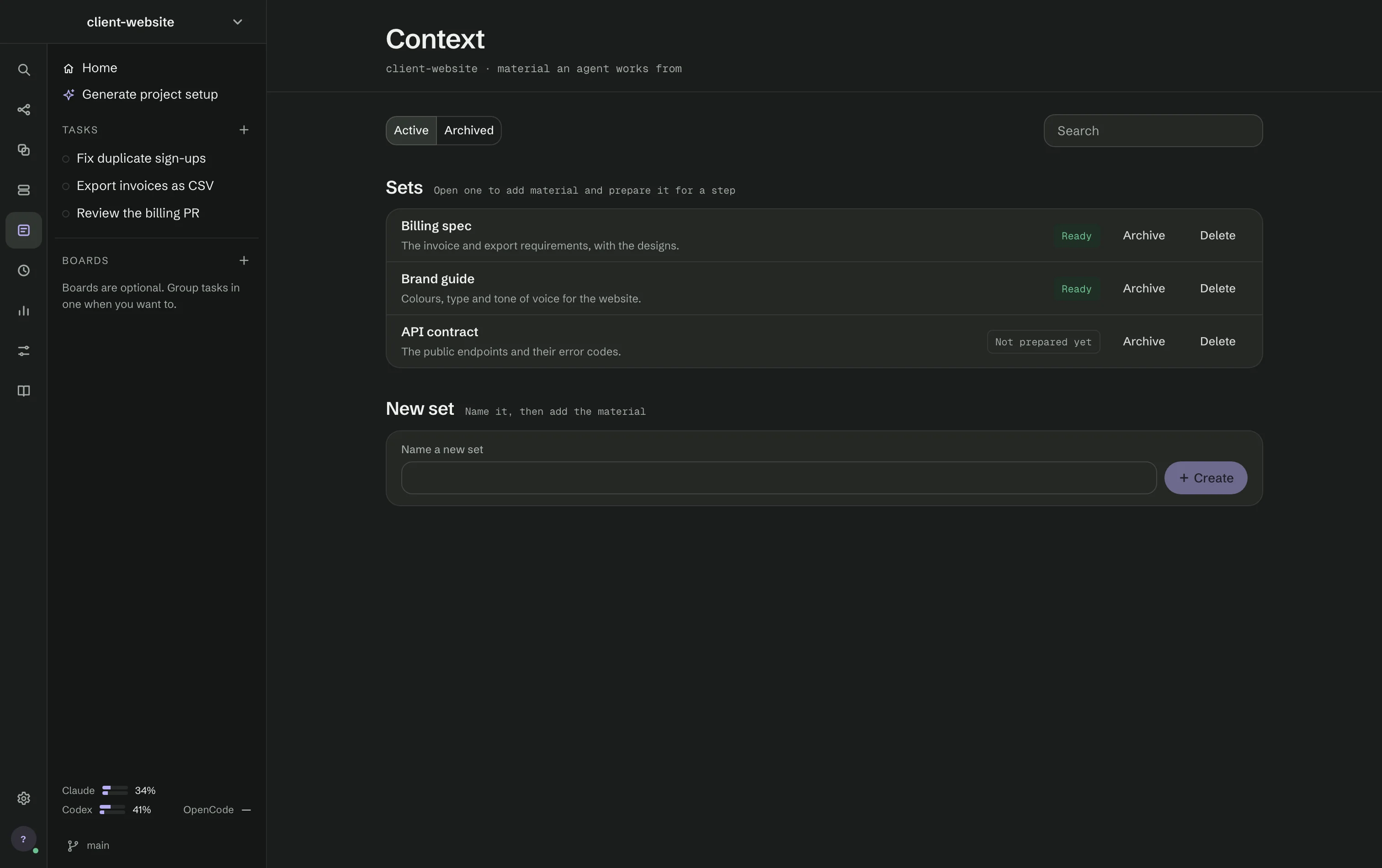
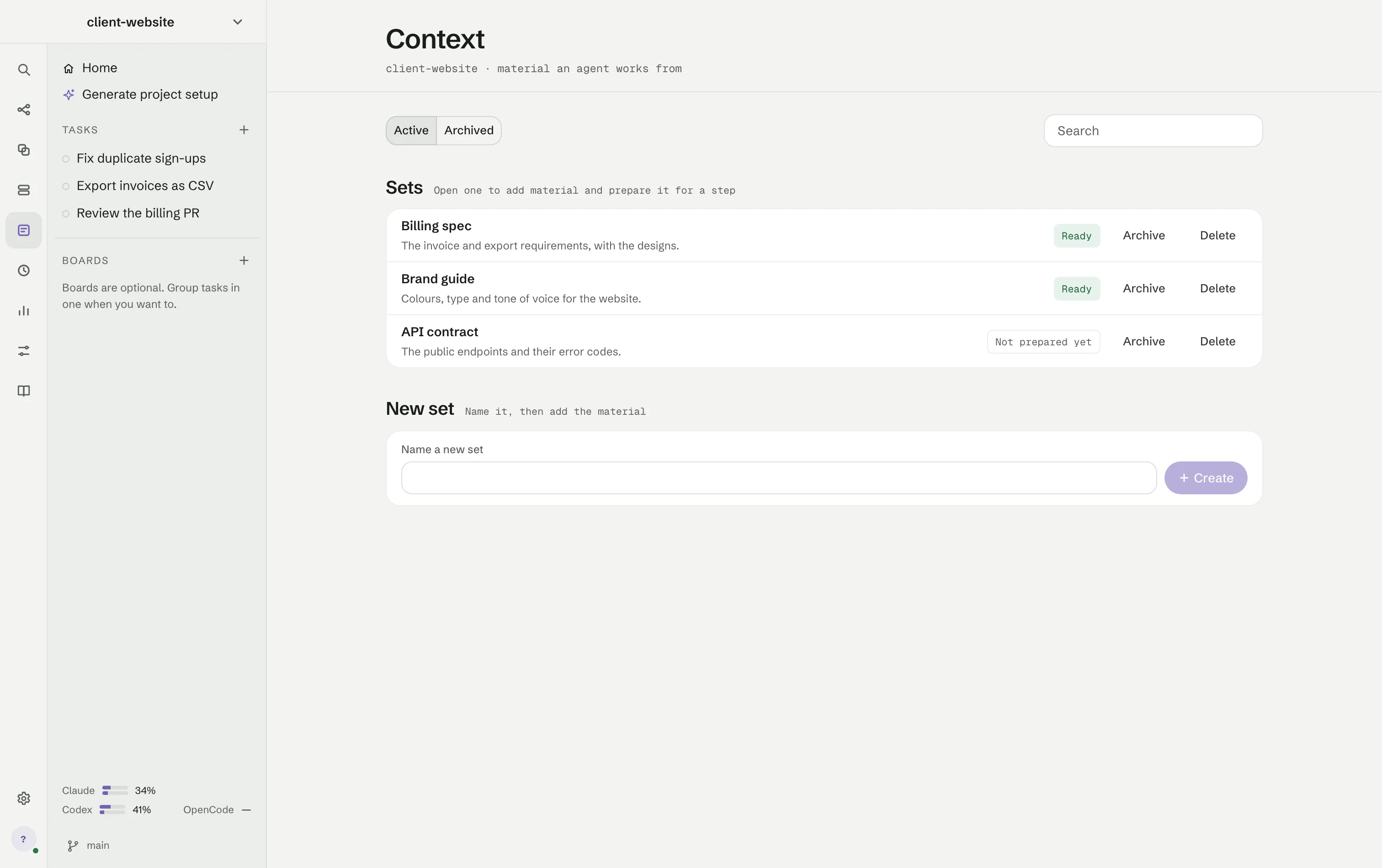
Context (⌘6) holds named sets of material an agent works from: notes, requirements, screenshots, PDFs and text files.
Sets
Active and Archived switch shelves, and Search filters them. Each set says Ready or Not prepared yet, with Archive and Delete. Name a new set and press + Create.
Building a set
Open a set to add material: paste text or a screenshot into Material, or Add files — images, PDFs and text files. A PDF or image may need Prepare first. Options set what the context is for, how the agent should organise it, rules to keep exactly, and whether Claude Code or Codex builds it. Build context reads the material and organises it into topics, findings, questions and conflicts. You can correct a finding, add a correction for the next build and save it as a new version.
Using a set
Attach a set to individual steps, share it across a workflow, or use it in a conversation with the Lead through Context above the command bar. A run keeps the version it started with; building the set again does not change what an existing run receives.