Project rig shows the open project on one page: who works, how, and what they know. Chips at the top jump to each part.
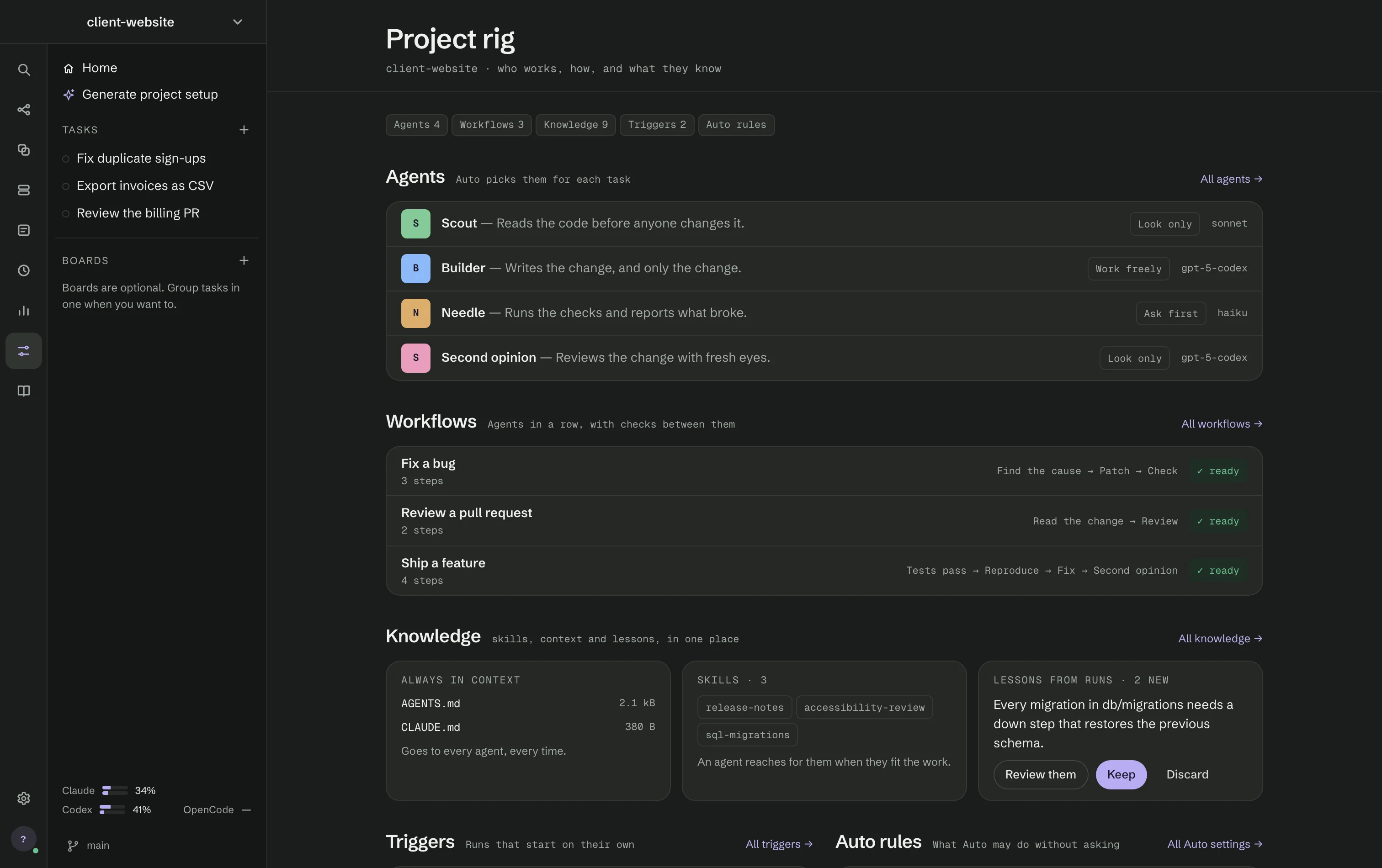
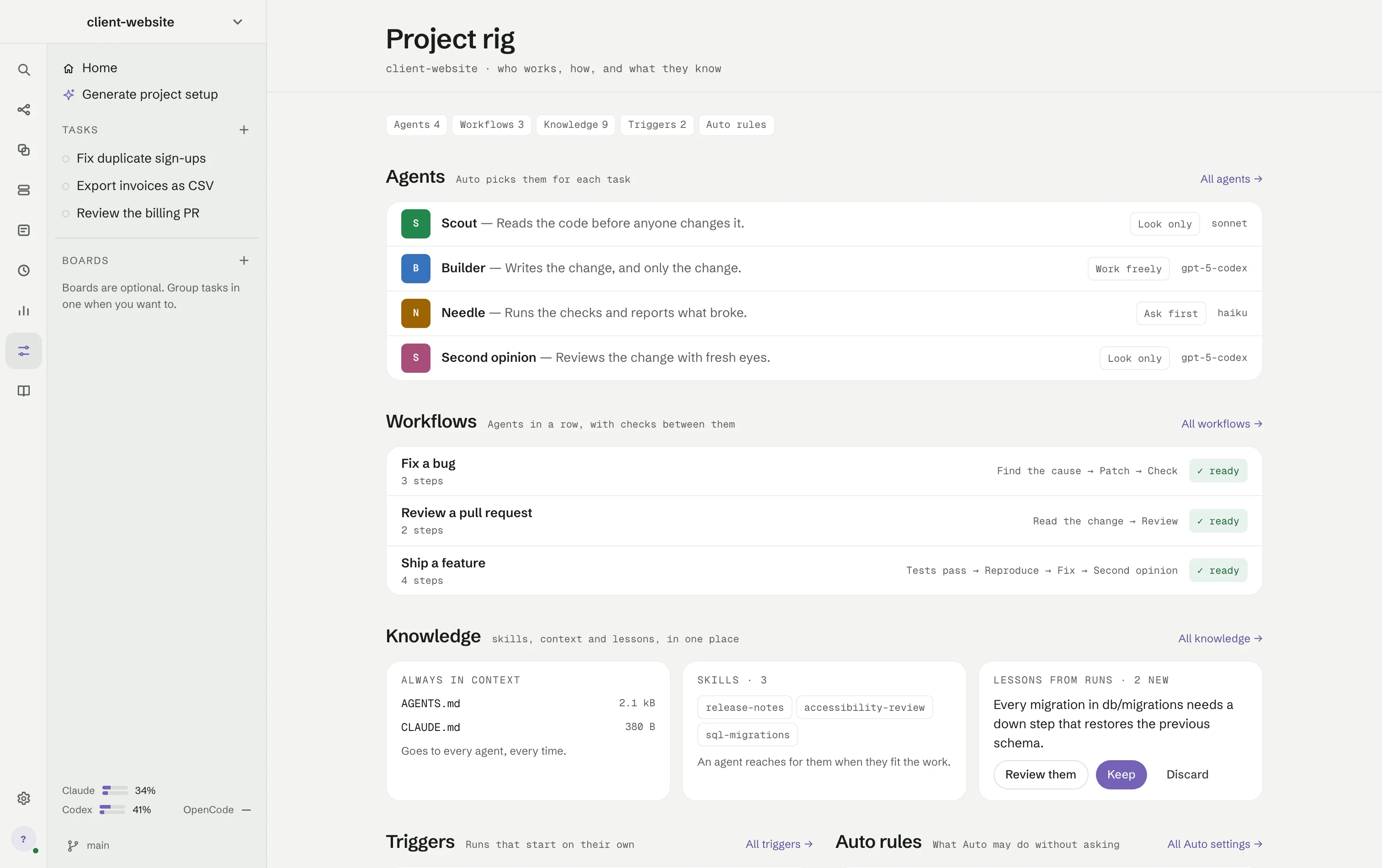
- Agents — every agent with its file access and model; All agents opens Agents.
- Workflows — each with its chain of steps and ✓ ready, needs a change, or a Fix button when steps use an agent the project no longer has.
- Knowledge — Always in context (the project's instruction files, such as
AGENTS.mdandCLAUDE.md, with their sizes), Skills, and Lessons from runs waiting for Keep or Discard. - Triggers — what starts on its own, and whether it is on.
- Auto rules — Full access: Auto pushes and opens pull requests itself and Learn from runs by default, as switches.
Generate project setup
Generate project setup reads your repository and proposes a rig. Choose the projects to analyse, where to save the setup, the model and, optionally, what it should focus on, then press Run. RigOne checks the models, understands the projects, researches practices, composes the setup and validates it; you can close the window and keep working. When it is ready, Review project setup shows every file it would write. Nothing is applied until you choose Apply setup.